
Layers and masks
Groups, clipping masks, pixel and vector masks, and 27 blend modes.

A professional photo editor that runs in your browser. Layers and masks, adjustment layers, retouching, selections, brushes and type, and it opens and saves Photoshop files. Or download it for Mac and Windows.
Your photos never leave your computer. Nothing to install.
Layers, groups, masks, adjustment layers, smart objects, layer styles and type come through intact, and saving keeps them that way. Large PSB documents and 16 and 32-bit files open natively too.
The tools photographers and designers already know, with every edit undoable and every adjustment editable later.
Groups, clipping masks, pixel and vector masks, and 27 blend modes.
Lossless transforms and warps, with smart filters you can edit later.
Drop shadows, glows, strokes, bevels and overlays that stay live.
Levels, Curves, Hue/Saturation, Color Balance, Selective Color and more, all non-destructive.
Develop RAW files from Canon, Sony, Fujifilm, Nikon and others, plus DNG.
ICC profiles, soft proofing and gamut warnings, in RGB, CMYK and Lab.
Spot Healing, Healing Brush, Patch, Clone Stamp and Red Eye.
Content-Aware Fill, Scale and Move to remove or rearrange what's in the shot.
Push, bloat, pucker and twirl, with freeze masks and reconstruct.
Object Selection, Quick Selection, Magic Wand and Magnetic Lasso.
Lift the subject off its background in one step, then refine the mask.
Shape and colour dynamics, textures, dual brushes and wet edges, with pen pressure and tilt.
Horizontal and vertical type, paragraph styles, the Pen tool and vector shapes.
Gradient, pattern and solid-colour fill layers, and the Paint Bucket.
Real SynPhoto screens. Switch between them to see each part of the app.
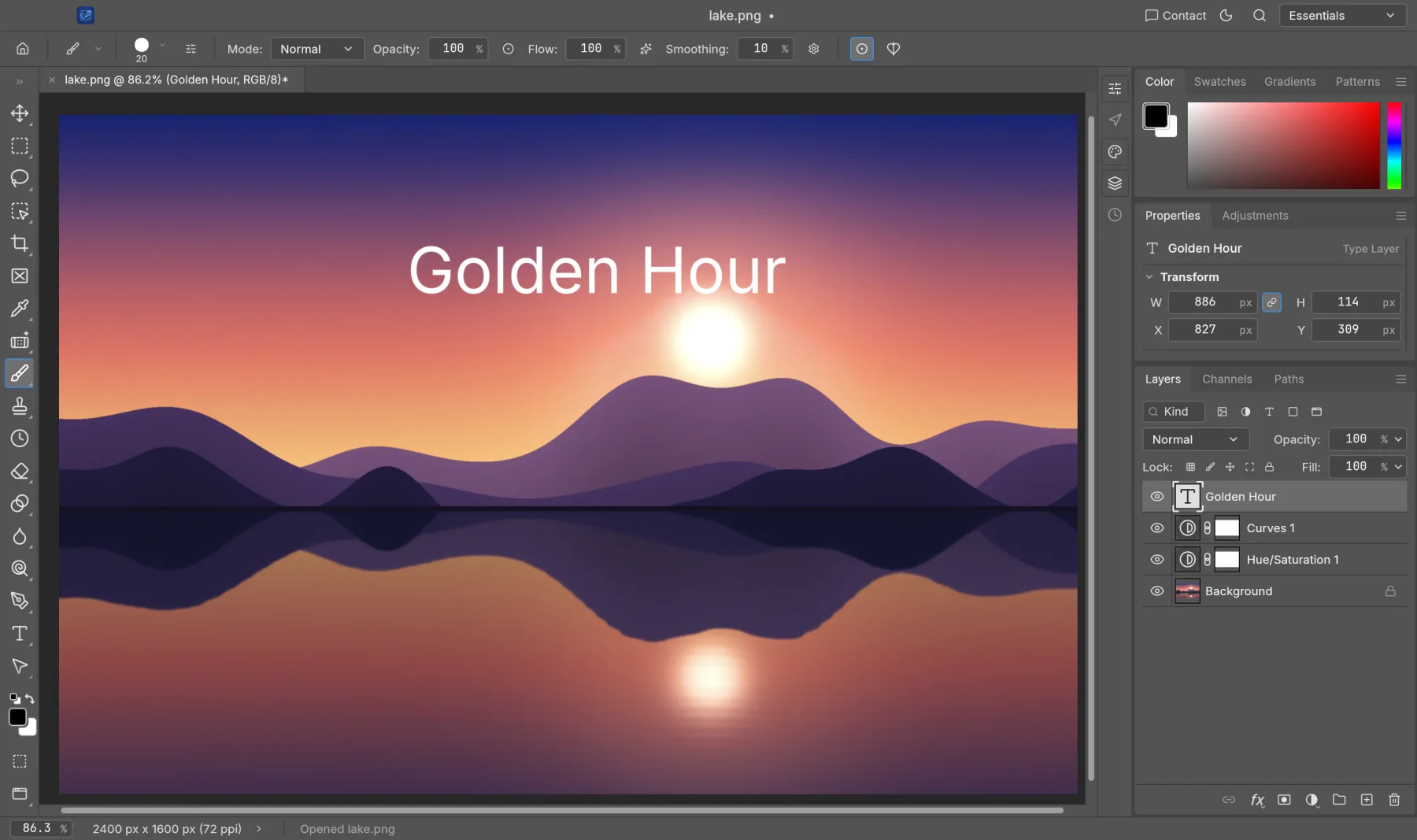
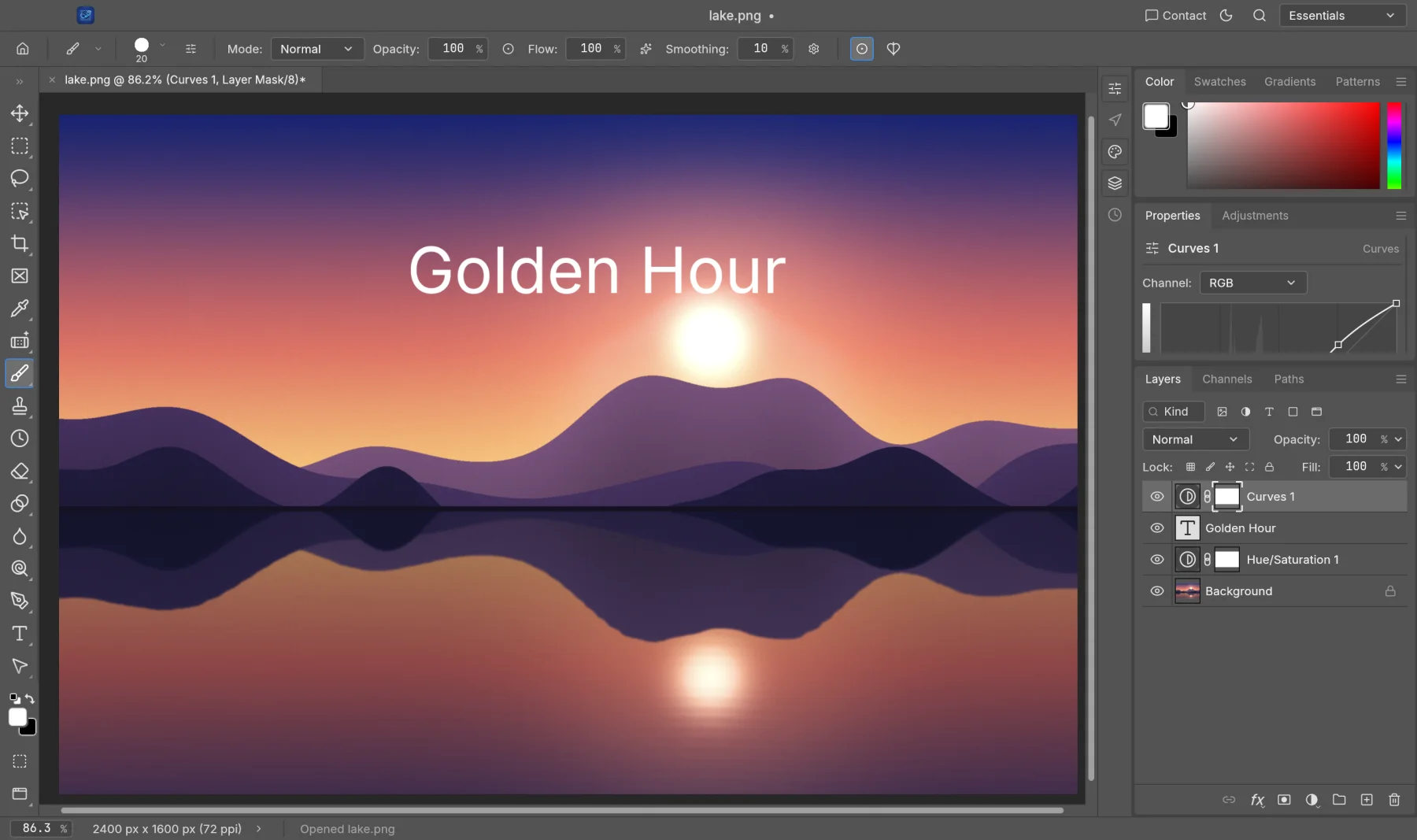
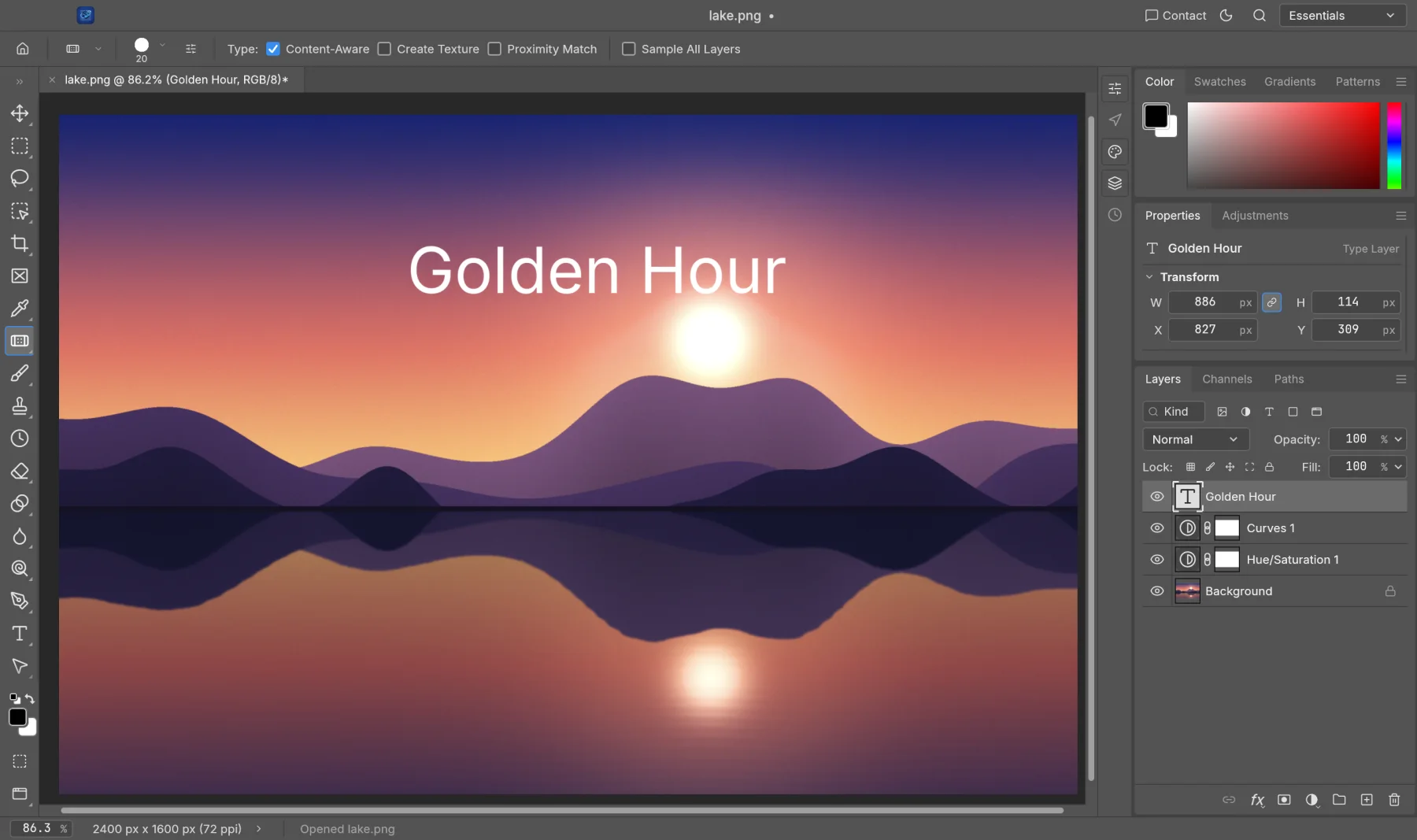
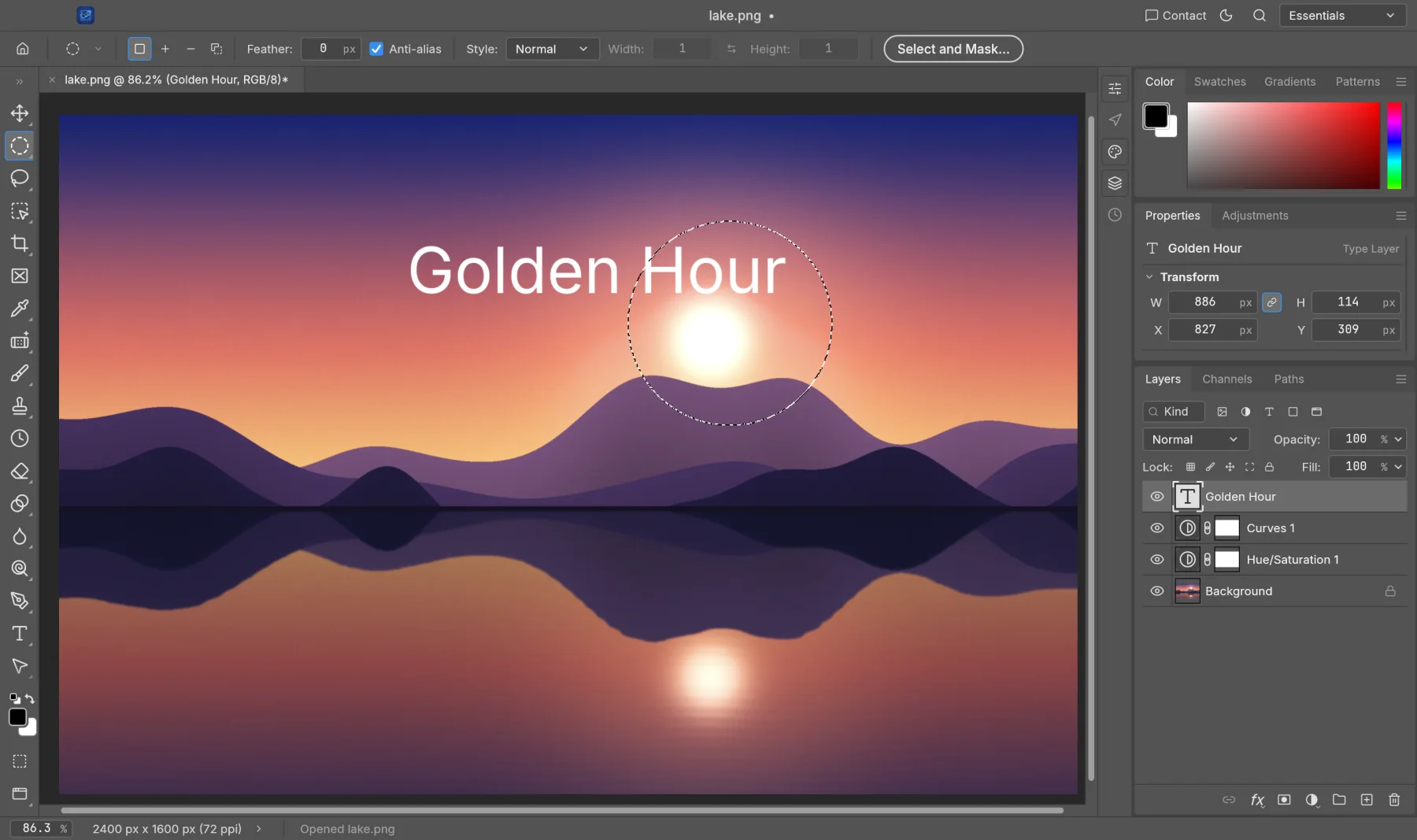
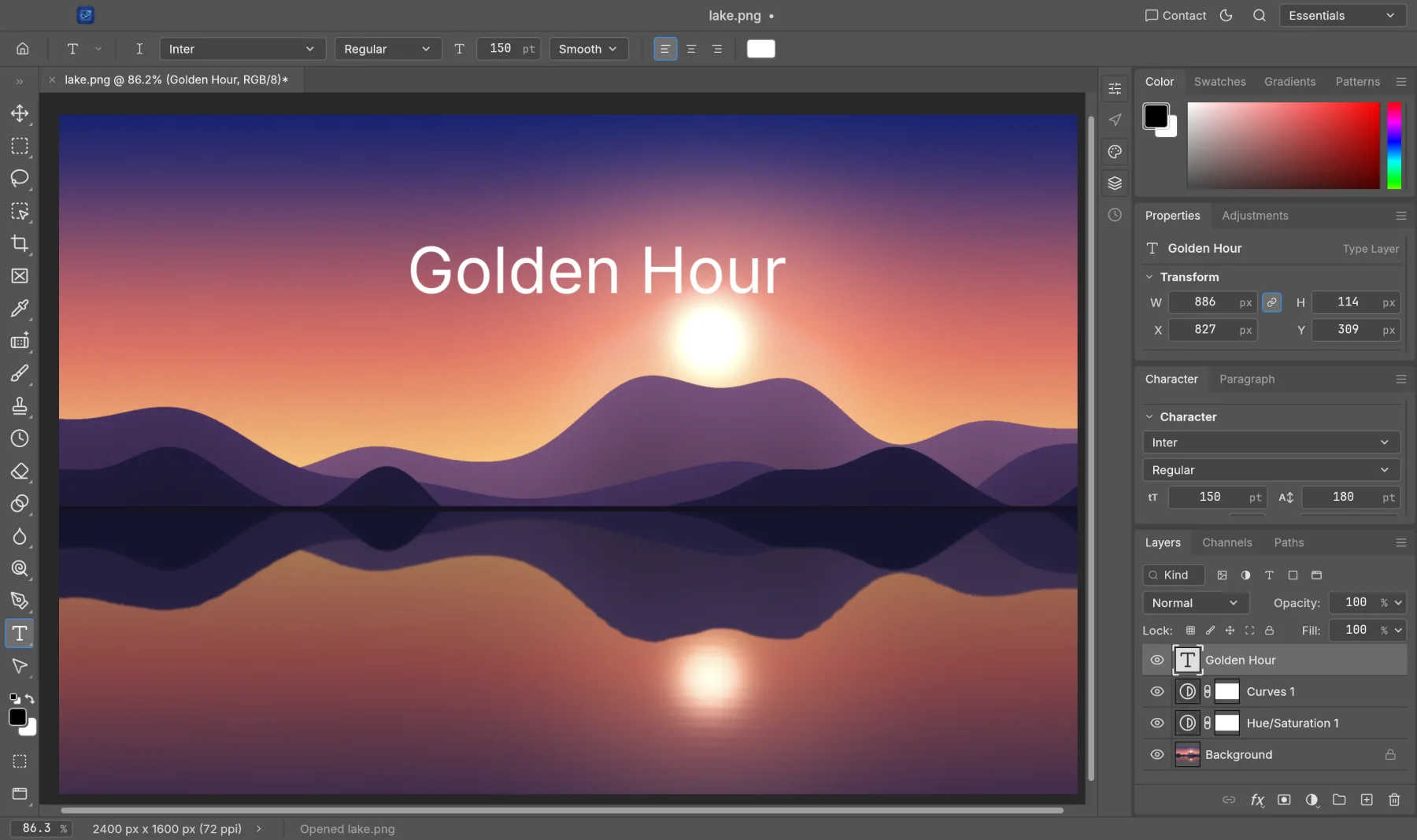
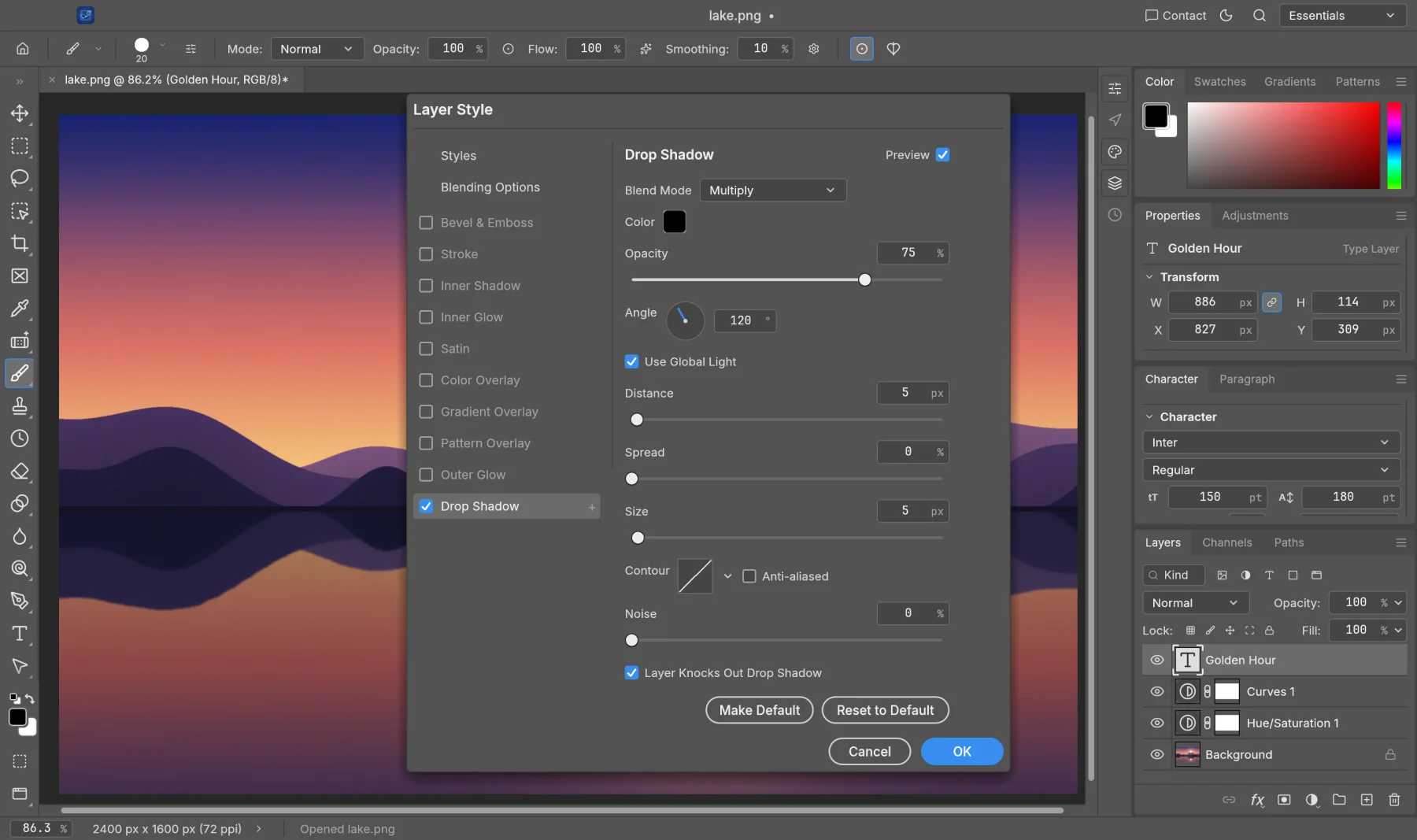
Many online editors upload your images to their servers. SynPhoto does all the work on your own device, so family photos and client work stay private.
The online version opens and edits images inside your browser. Nothing is sent to us.
Once it has loaded, SynPhoto keeps working without an internet connection.
Nothing to sign up for, no telemetry and no watermarks.
Save as PSD, TIFF, PNG or the open native format, so you're never locked in.
Version 0.7.0 alpha. Free, with no account. The online version is the quickest way to start.
Yes. SynPhoto is free while it's in alpha, with no account, no watermark and no limits.
Yes. PSD and PSB files open with their layers, masks, adjustment layers, smart objects, styles and type, and saving keeps them. A few rare features may still be simplified; keep your original when it matters.
No. The online version opens images straight from your computer and edits them in the browser. Nothing is sent to Syntera Labs.
Yes. It develops RAW files from most major cameras and DNG, and opens HEIC photos from iPhone and Mac.
Chrome or Edge on a recent computer give the best results. Large documents run best in the Mac or Windows app.
SynPhoto is new and improving every week. Save your work often and keep a copy of important originals.
Open SynPhoto in your browser. It's free, private and nothing to install.
Open SynPhoto →